Your suppliers' catalogues with prices
Each supplier keeps its own prices, so the catalogue is up to date. Search understands Kazakh and Russian.
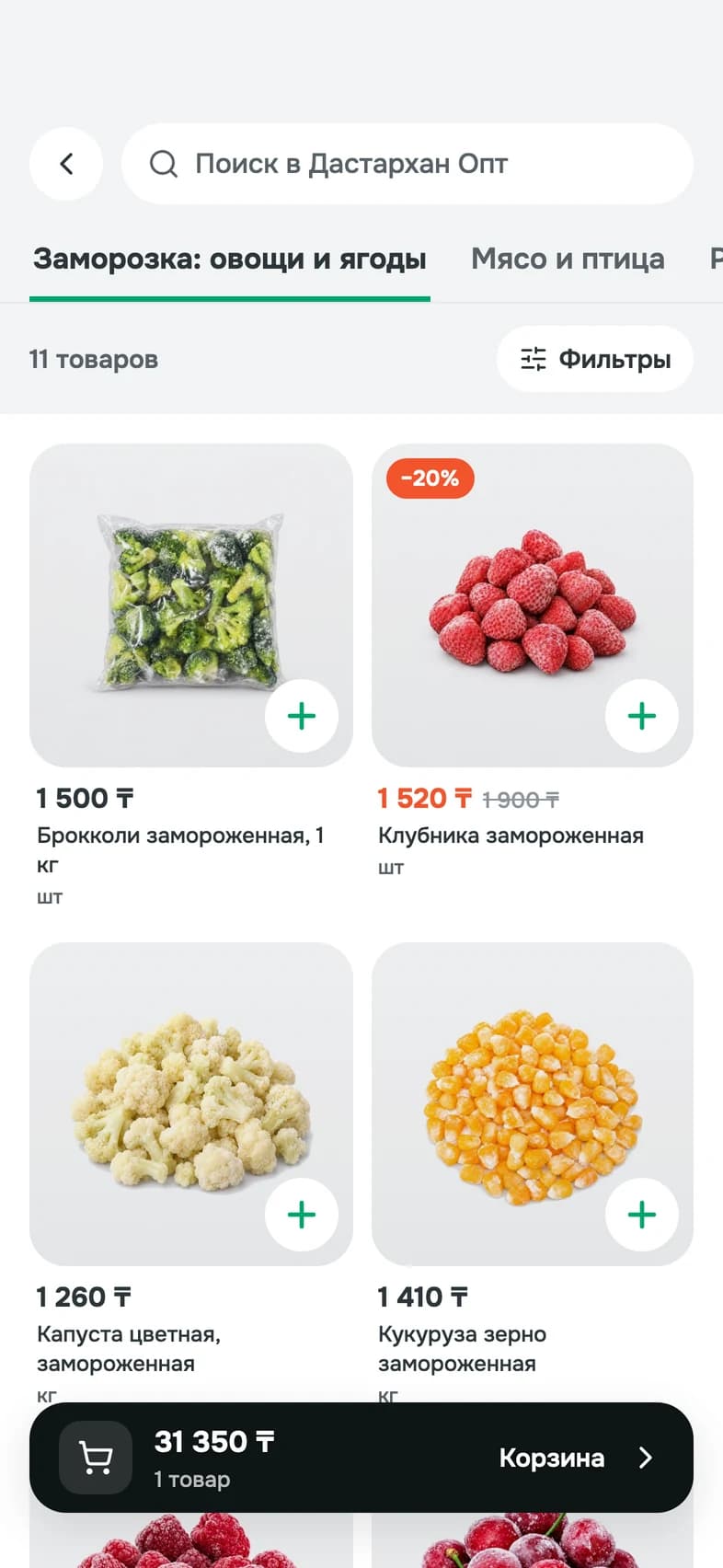
Order from your own suppliers in a couple of minutes, without calls and message threads.
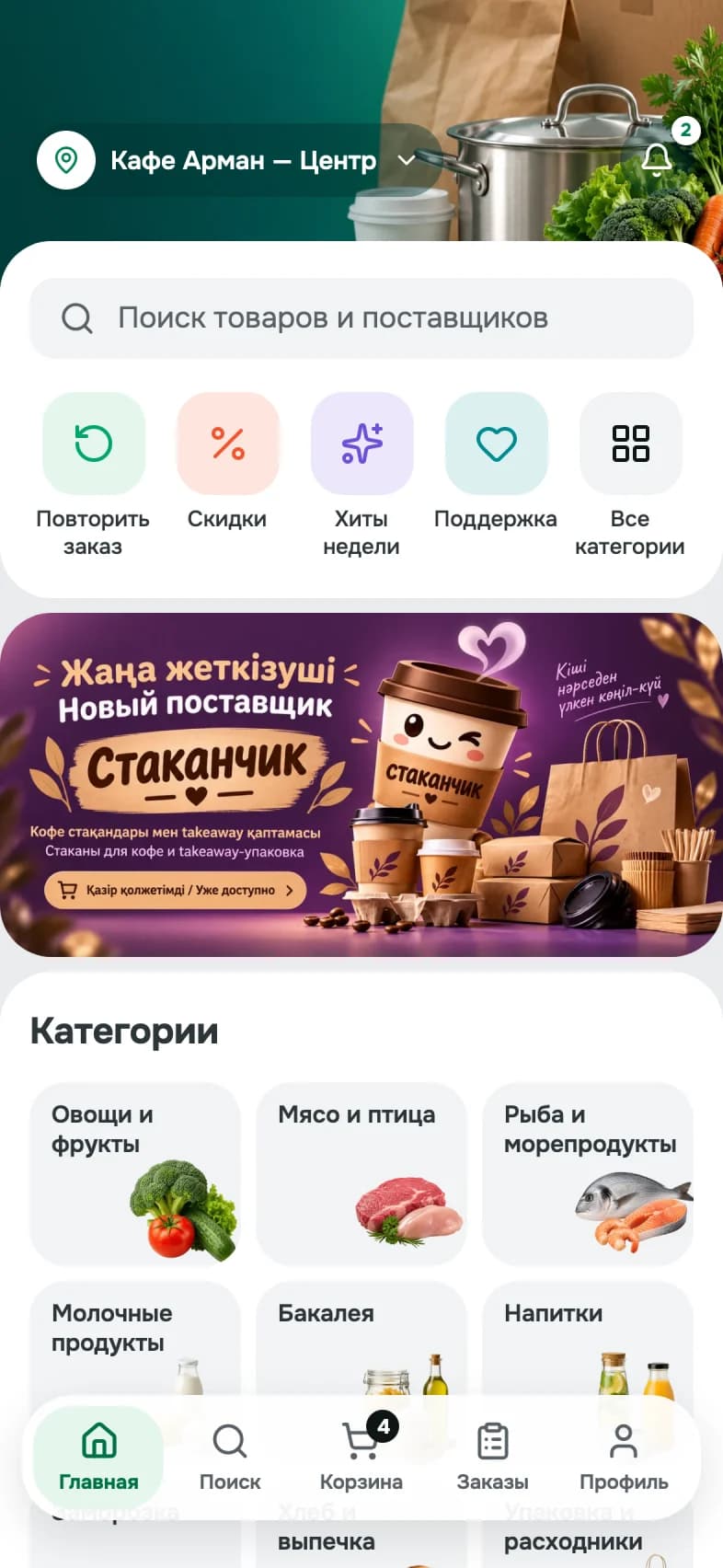
Open a supplier's catalogue and add products to the cart.
It appears in the supplier's cabinet straight away.
New, confirmed, on the way, delivered: the order status is always visible in the app.
Each supplier keeps its own prices, so the catalogue is up to date. Search understands Kazakh and Russian.
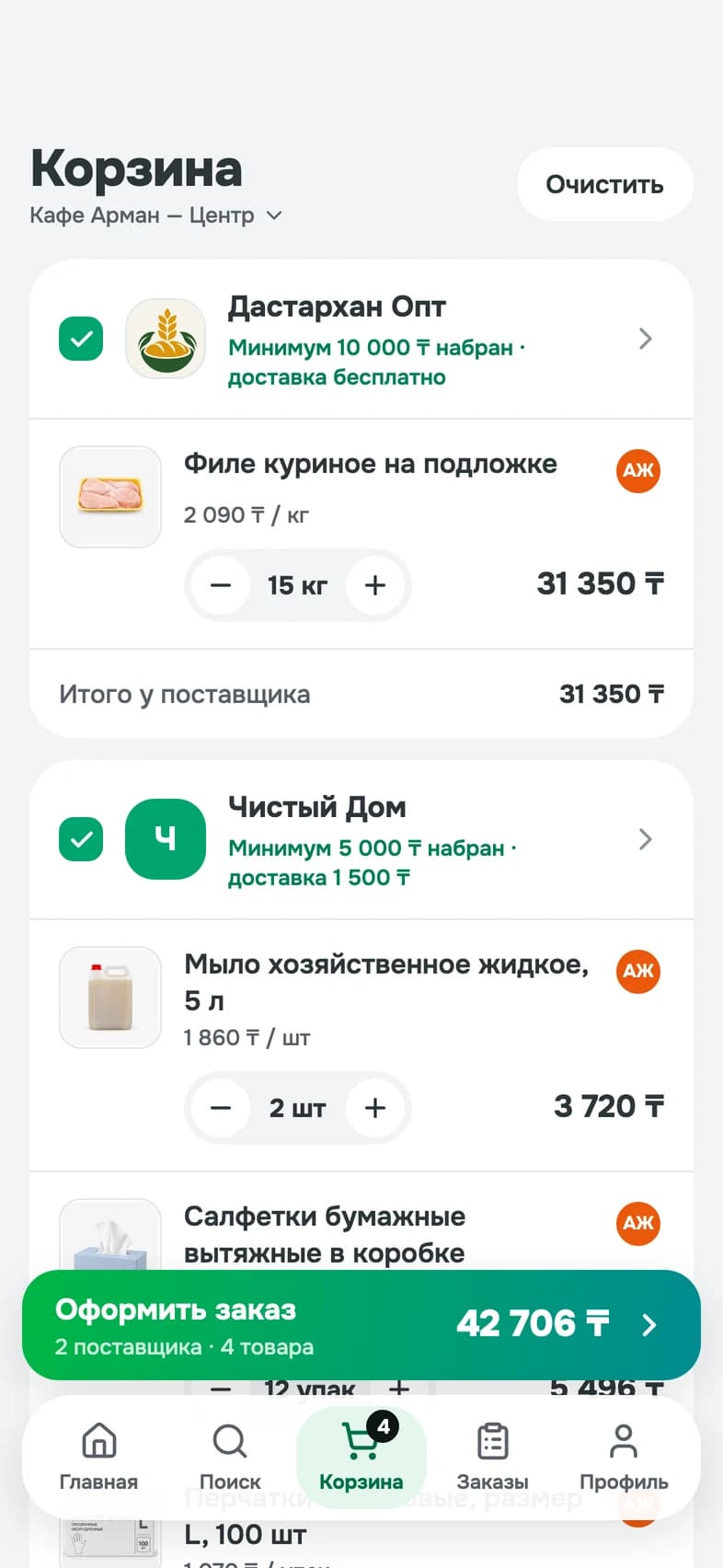
Build orders for different suppliers at the same time. You see each supplier's minimum order and delivery cost.
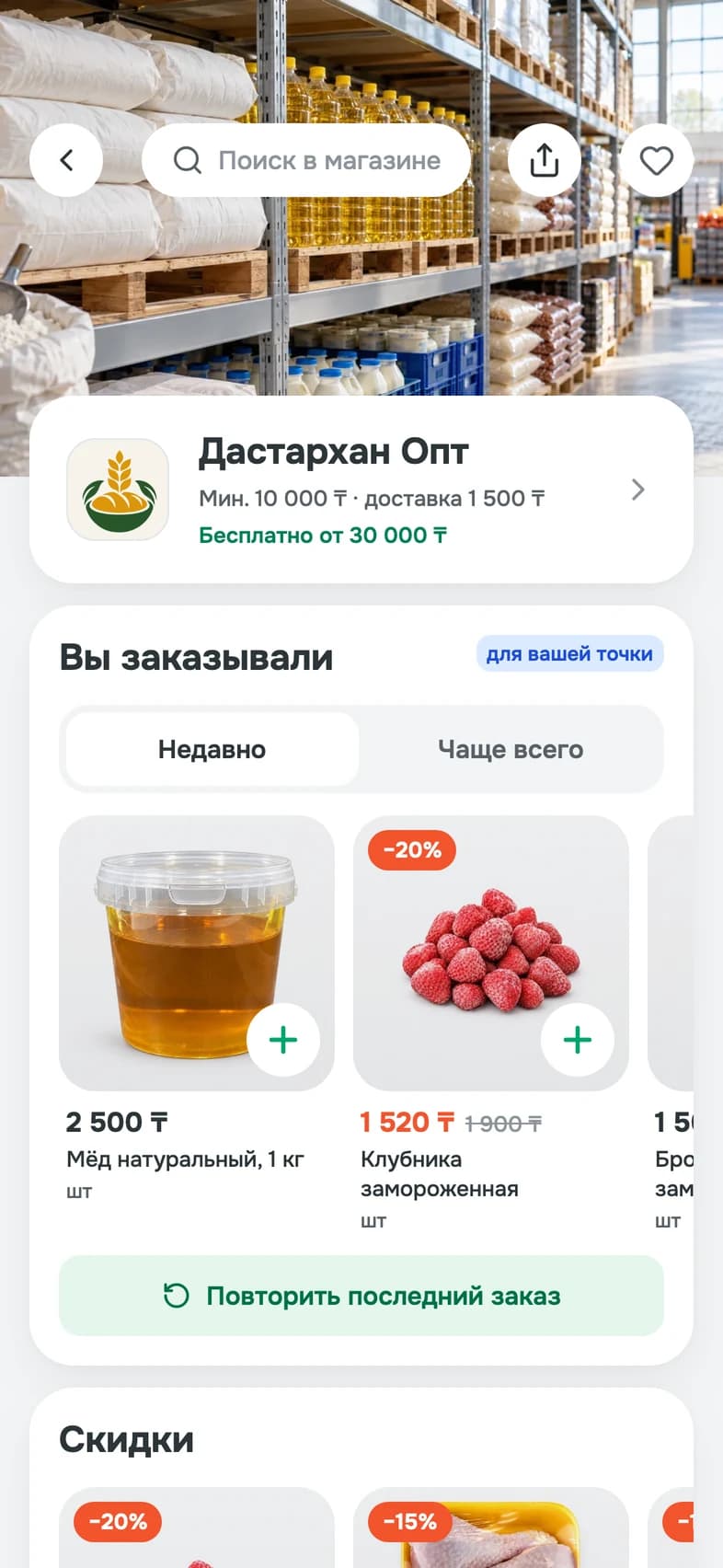
A past order goes back into the cart. Adjust the quantities if you need to, then place it.
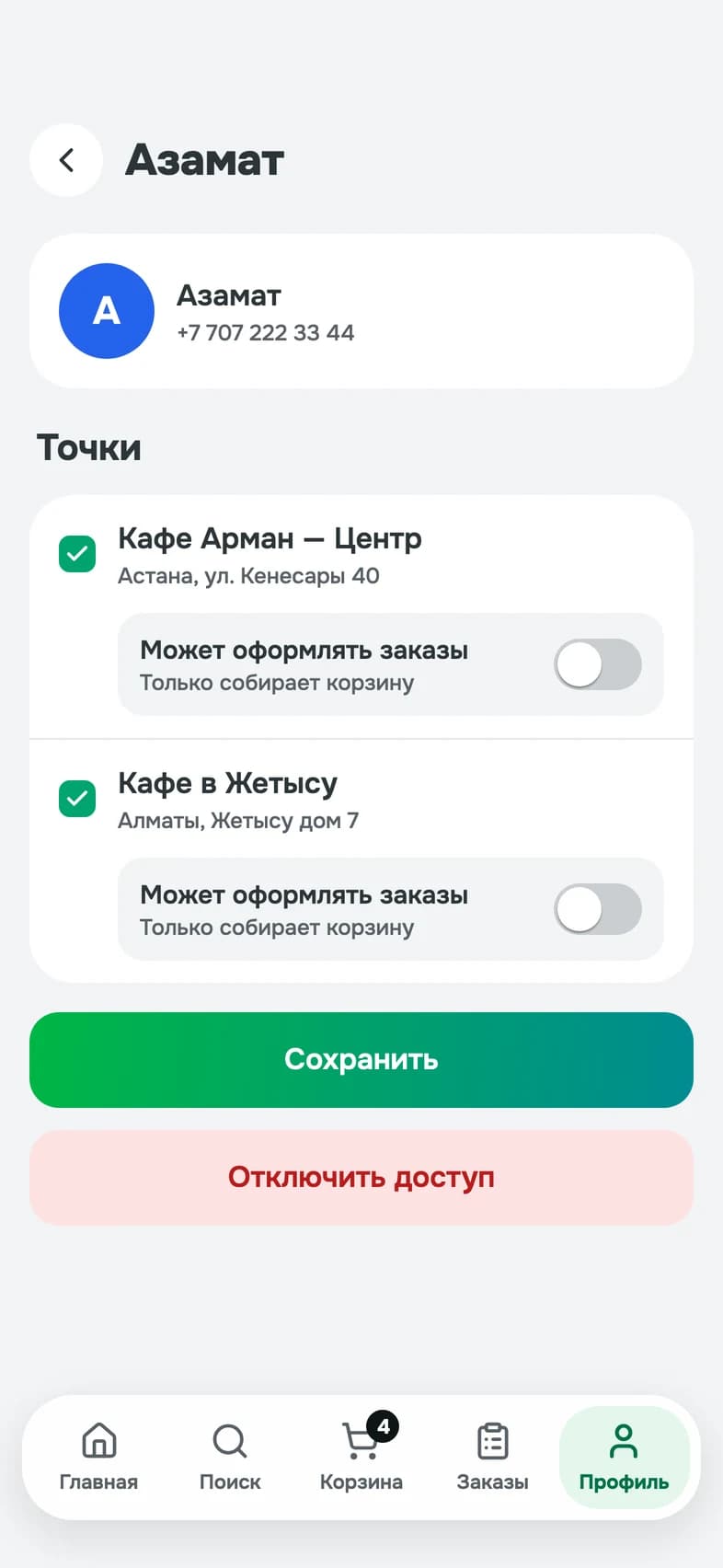
Invite your staff, give them access to the outlets they work at and decide who may place orders. The outlet's cart is shared, and you can see who added what.
Cafés, restaurants, hotels and canteens order in the app on their phones.
The app is free for venues.
Receive orders in a web cabinet.
We connect suppliers and venues in Astana and Almaty. Fill out the short form and our team will contact you with the next steps.
For cafés, restaurants, hotels, canteens and their suppliers. Venues order in the app on a phone, and suppliers receive the orders in a web cabinet. It is a service for businesses, not for personal shopping.
The app is free for venues. You pay only your supplier, for the goods and the delivery, on the supplier's terms. Suppliers get their terms from us when they join.
Directly between you and the supplier, on the supplier's terms. The app does not take payments and does not deliver: the supplier brings the order. In the cart you see each supplier's minimum order and delivery cost.
Astana and Almaty today. Cities and suppliers are added step by step.
Ask us to invite them: in the app, open Profile, choose the option to invite a supplier and leave the supplier's name and phone number. We contact the supplier and tell you when they have joined. A supplier can also leave a request on this site.
Leave a request on this site. We get in touch, help load your catalogue from your price list and open your web cabinet. There you keep the catalogue and prices, confirm and change orders, and set delivery terms and the minimum order. Every supplier also has a personal link and a QR code that open its store in the app for its customers.
You can browse catalogues and prices without signing in. To place an order you sign in with your phone number and a code sent by SMS. There is no password.
If an item is unavailable, the supplier removes it or offers a replacement. You see what changed and the new total, and you accept or decline. If something is wrong with a delivery, report the problem in the app within 72 hours.
Yes. Invite your staff by phone number, give them access to the outlets they work at and decide who places orders and who only fills the cart. Each outlet's cart is shared. Every outlet can have its own legal details, which is useful when you run several legal entities.
In the app, open Profile, then Settings, and choose the option to delete the account. If you cannot get into the app, write to us. The details are on the Account and Data Deletion page.
Write or call us: the contacts are on the Support page. In the app, open Profile and choose support.

We are getting it ready for the App Store and Google Play. Leave a request and we will tell you when you can download it.